Two inputs are repeated the same way across code guides: the CODES button is on the right, the field reads Enter code here!, and the button says REDEEM. Type the code with the capitalization shown on the codes page. Do not add spaces. Close the panel before you try to smash again.
Movement and combat
Grab and Decorate uses Roblox controls. On PC that normally means WASD to move, the mouse to look, and Space to jump. Community notes describe the weapon attack as left click on PC and the on-screen attack control on mobile, with grab on the interact prompt (often E on PC if you have not remapped Roblox). Treat those as defaults to check in your own settings, not as a second control scheme unique to this experience.
Pull the camera back slightly near a truck so you can see the spill. Move in closer inside the house when you line up furniture.
Decorate and paint
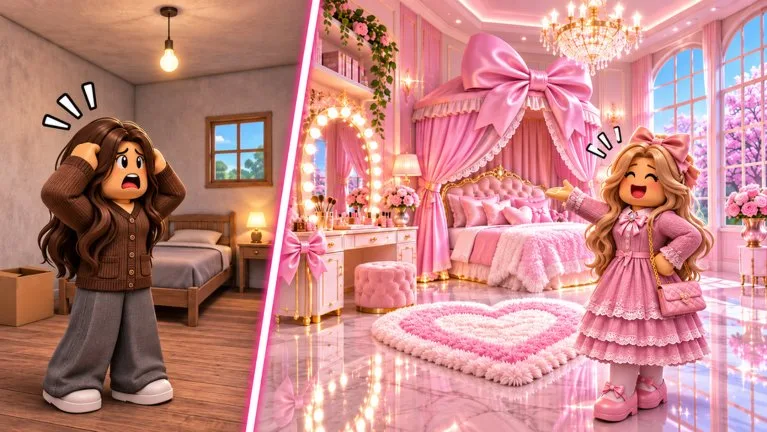
Enter the furniture edit UI inside the house. Select a piece, move the preview, rotate with the control the UI shows, then confirm. Learn remove early so a bad placement is not permanent. Paint after large pieces are down. The creator video on upgrading, editing, and painting is linked from Video Guides.
If nothing responds
A menu is usually still open. Close codes, inventory, and the shop. If the camera is stuck in a wall after a new room, step outside and re-enter. Voice chat and the Roblox camera are marked unsupported on the experience page, so a missing voice icon is expected.
Next
Day-one goals are on getting started.